
Real applications, running on DOS64
Application gallery
Games and graphics demos from the downloadable boot image. These are actual DOS64 framebuffer captures in QEMU, not interface concepts or Windows-hosted screenshots.
Captured from the image built on , using its bundled executables unchanged. A disposable image copy was configured to launch each application at startup. The downloadable image itself was not modified.
Select any screenshot to open the full-size 1024 × 768 capture. FPS counters describe this virtual-machine session, not expected performance on your hardware.
Maze3D
A first-person maze game with software-rendered 3D views. Destroy the robots and reach the green exit. Move forward/back with W/S or Up/Down, strafe with A/D, turn with Left/Right, and hold Shift to run. Fire with Space or a mouse click, restart with R, and press Escape to exit.
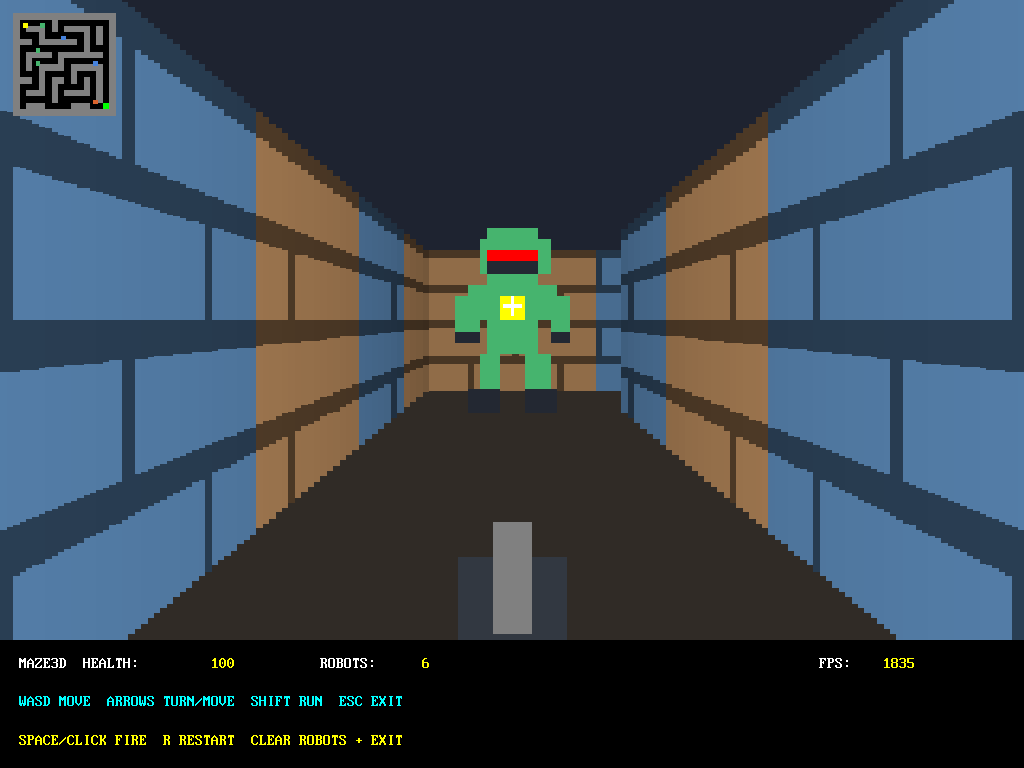
Launch from C:\EXAMPLES\W64
maze3d.exe
Breakout
A paddle-and-bricks game with score and remaining lives. Move with Left/Right, launch the ball with Space, and exit with Escape.
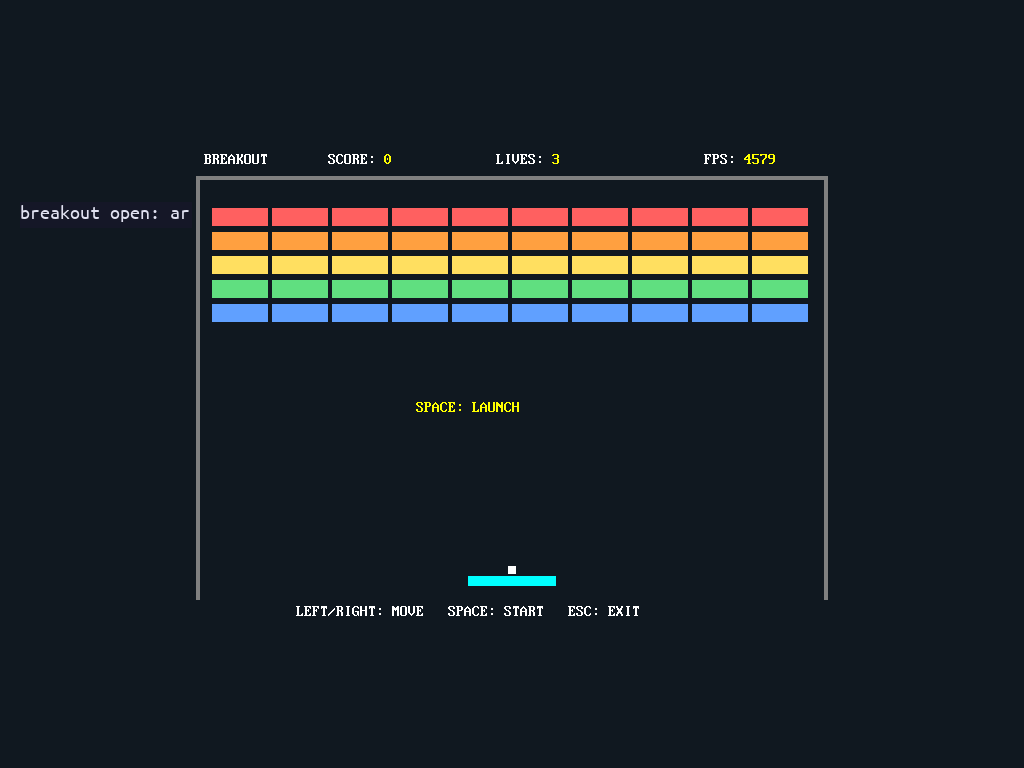
Launch from C:\EXAMPLES\W64
breakout.exe
Rotating cube
A rotating translucent cube with colored faces and a perspective background. It demonstrates software-rendered graphics, animation, and alpha blending, not hardware-accelerated 3D. Press Escape to exit.
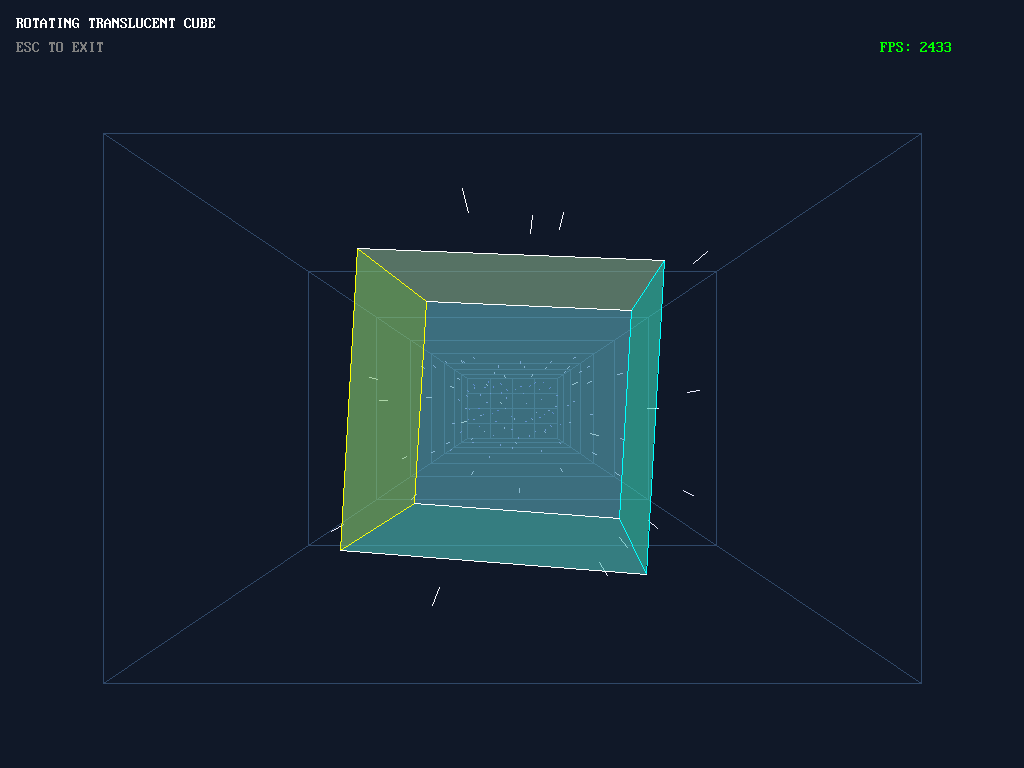
Launch from C:\EXAMPLES\W64
cubedemo.exe
Graphics demo
A drawing demonstration using the DOS64 graphics API: grayscale swatches, lines, circles, and a translucent ARGB layer. It displays the picture for about four seconds, then reports its checks and returns to the shell automatically.
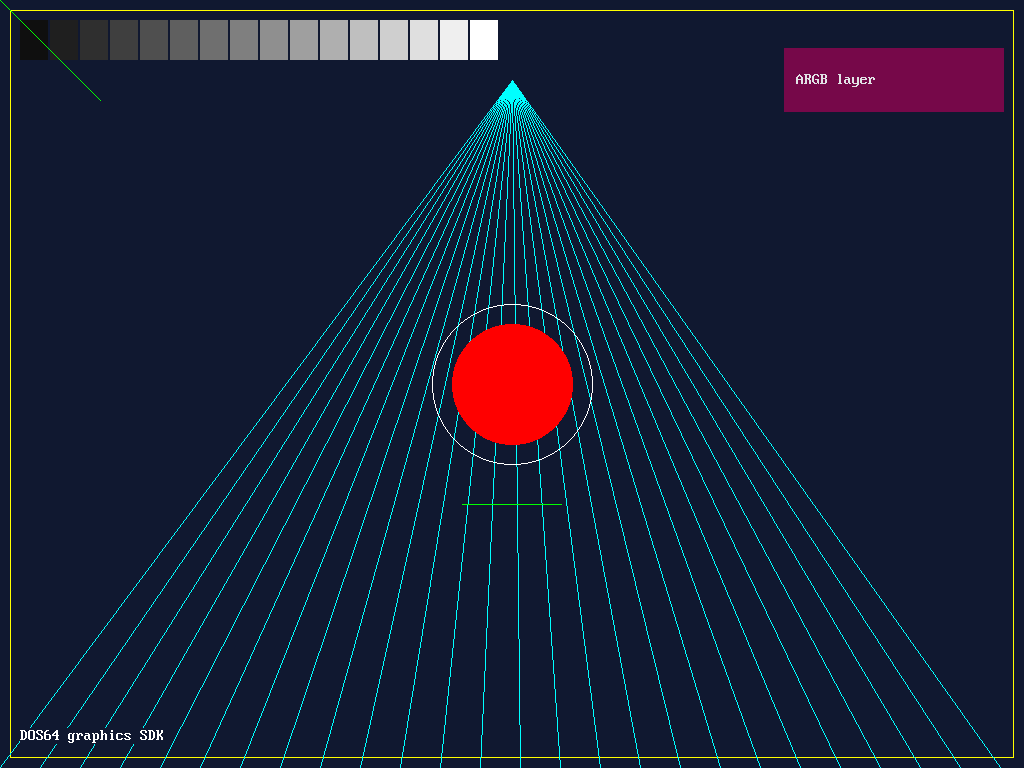
Launch from C:\EXAMPLES\W64
gfxdemo.exe
Try them yourself
Follow the boot instructions, then enter these commands at the DOS64 shell. The published image runs a system check first.
C:
cd \EXAMPLES\W64
dir
cubedemo.exe
Run one application at a time. After it exits, choose another executable from the same directory. These examples target the DOS64 API; ordinary Windows or Linux applications are not interchangeable with them.
Observed limitation: during capture testing, a second application launch after returning to the shell caused QEMU to exit with guest reboot disabled. The cause has not been diagnosed. Each screenshot here was taken from a fresh boot; if successive launches fail, restart the test VM rather than treating the gallery as a stability guarantee.